You can easily pause your next subscription delivery by skipping it – here’s how:
1. Log in to your customer account on our website.

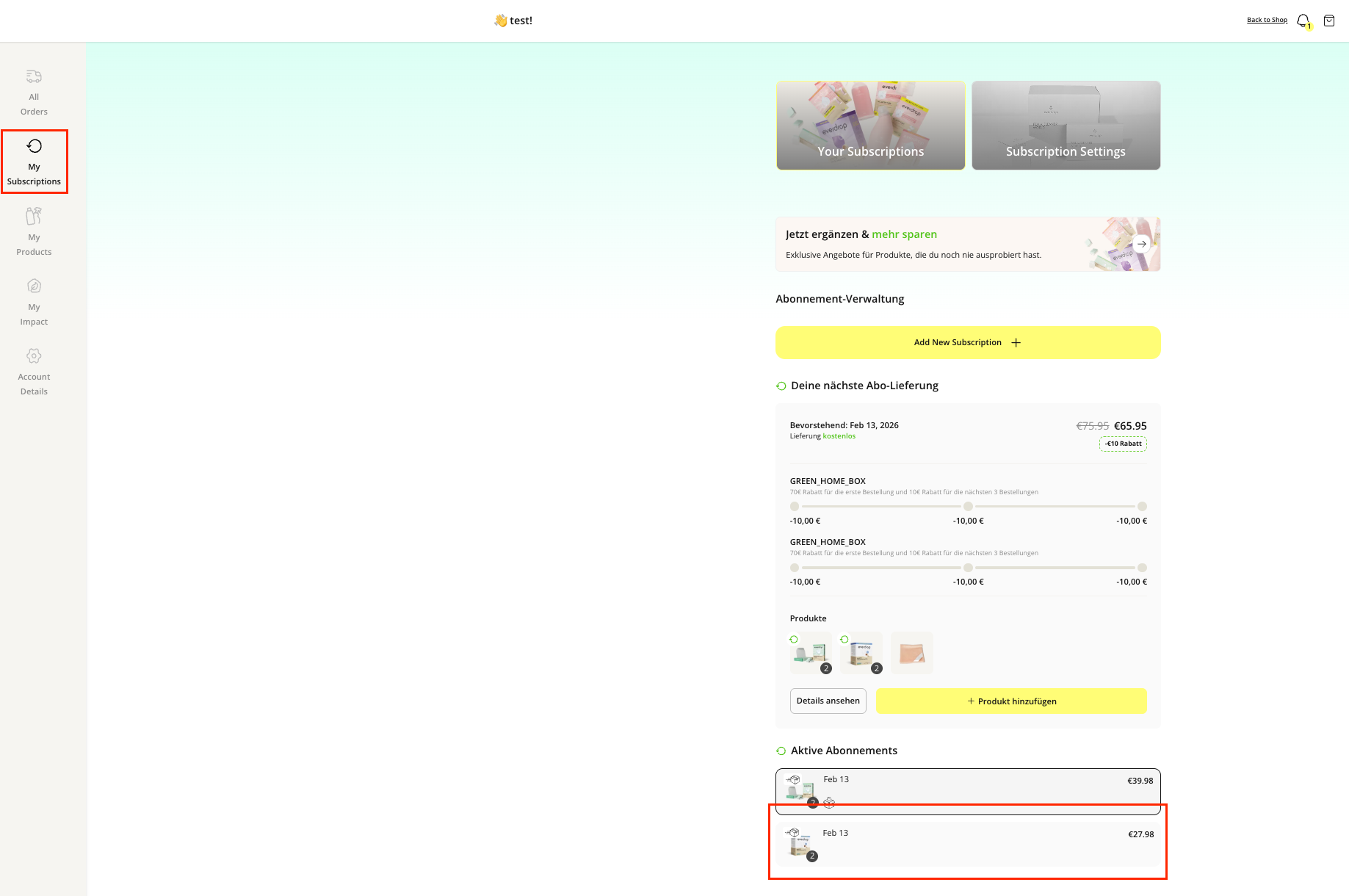
2. Under “My Subscriptions”, select the active subscription for which you want to skip the delivery.
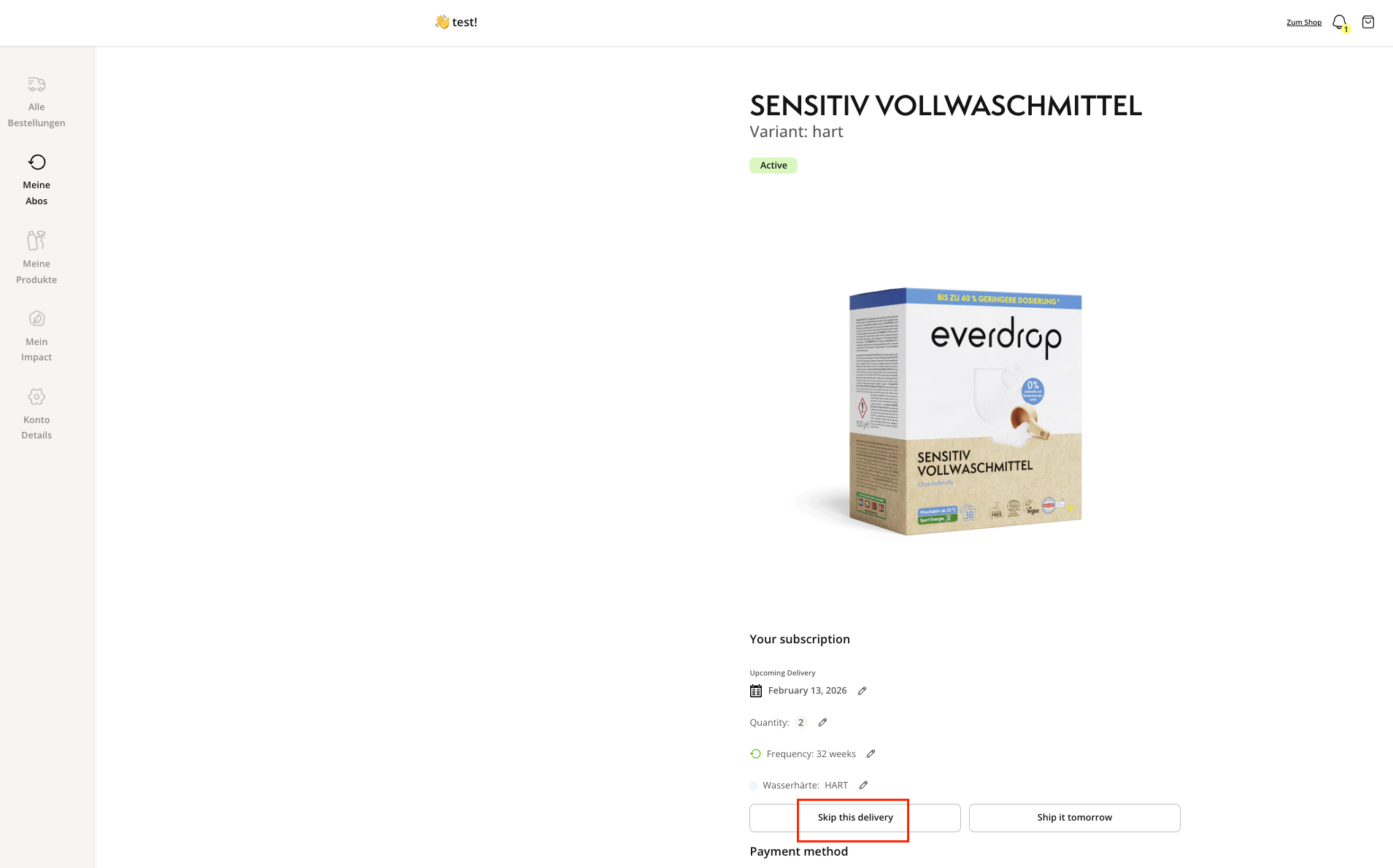
3. You’ll be taken to the following page. To skip a delivery, click on the field “Skip this delivery.”
4. Confirm your change – and that’s it!
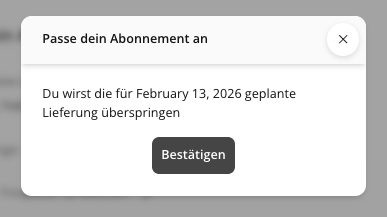
Please note: After skipping a delivery, your subscription will continue at your usual interval.
If you want to skip the delivery for multiple subscription products, you’ll need to do this individually for each product.